Accounts Payable (AP) Solution Comparison: BILL and Mekorma



The Bottom Line
BILL and Mekorma both support accounts payable processes, but they take different approaches. BILL is a standalone financial operations platform that connects with accounting and ERP systems. Mekorma focuses on accounts payable automation embedded in supported ERP environments, including Microsoft Dynamics 365 Business Central, Dynamics GP, and Acumatica. The right approach depends largely on your ERP and how closely you want AP processes connected to it.
If you’re comparing BILL and Mekorma for accounts payable automation, one of the biggest differences is how each solution fits into your financial system.
BILL is a financial operations platform with accounts payable, accounts receivable, and spend and expense solutions. Its Accounts Payable product connects with accounting and ERP systems through two-way syncs, file-based integrations, and APIs.
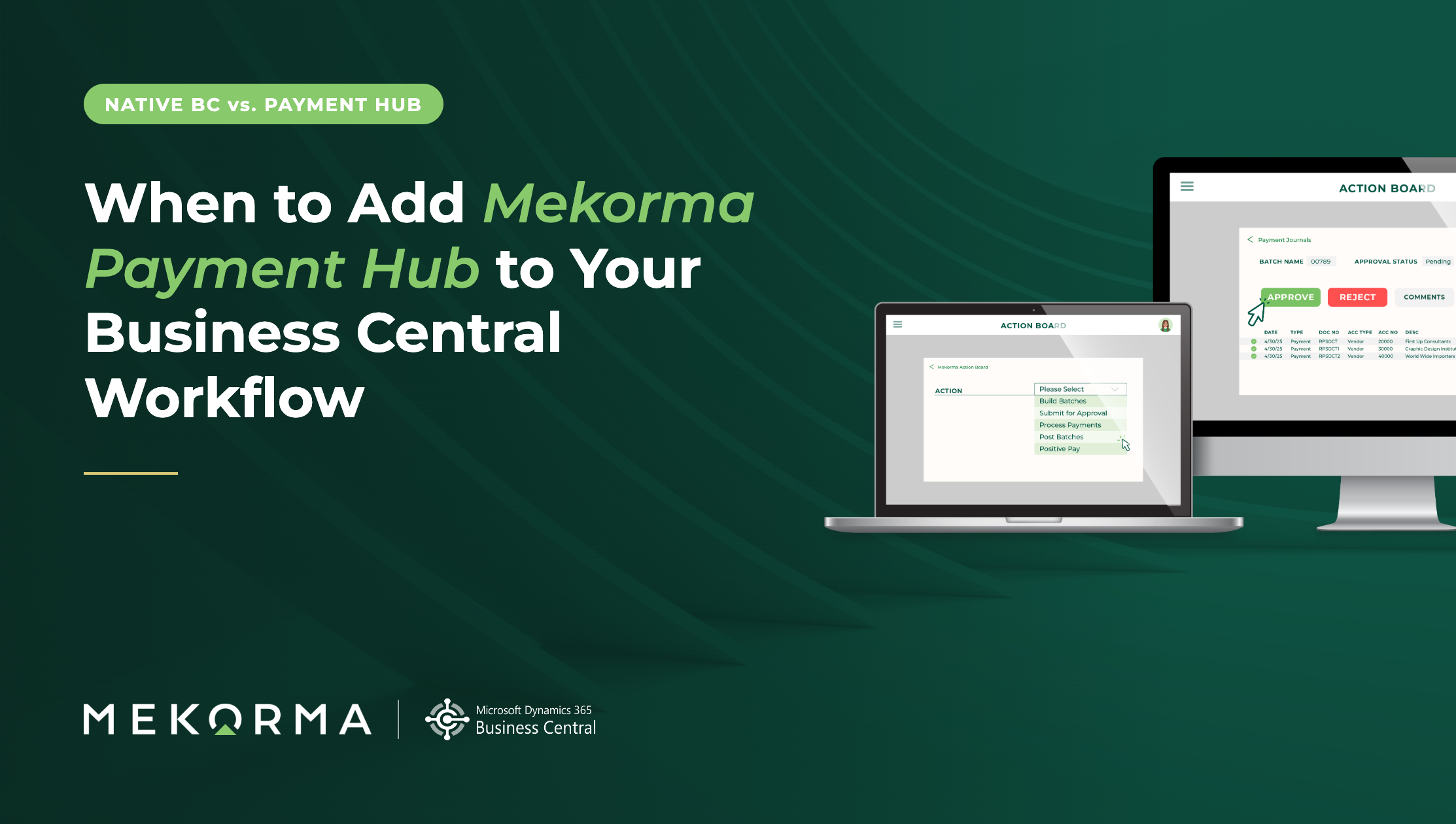
Mekorma focuses on accounts payable payment automation within supported ERP environments. Mekorma Payment Hub works inside Microsoft Dynamics 365 Business Central and Microsoft Dynamics GP, helping AP teams manage payment processing without moving the process into a separate system.
The right approach depends on your ERP, the parts of AP you want to automate, and whether you want those processes to take place inside your ERP or through a connected platform.
What is the main difference between BILL and Mekorma?
The main difference is the relationship each solution has with your ERP.
BILL provides a broader financial operations platform that connects with accounting and ERP systems. Its Accounts Payable solution supports invoice capture, approval workflows, payments, and other AP processes while syncing financial data with supported accounting systems.
Mekorma takes an ERP-embedded approach. For Microsoft Dynamics 365 Business Central and Microsoft Dynamics GP, Mekorma Payment Hub keeps payment processing within the ERP environment. Mekorma also offers embedded AP tools for Acumatica.
That distinction can be an important starting point for organizations evaluating AP automation.
BILL vs. Mekorma at a glance
| What should you compare? | Mekorma | BILL |
|---|---|---|
| Is the solution embedded in Microsoft Dynamics? | Yes. Mekorma Payment Hub operates fully inside Microsoft Dynamics 365 Business Central and Dynamics GP, so teams can manage payment processes without switching to a separate AP system. | No. BILL connects to Microsoft Dynamics . BILL lists Microsoft Dynamics among the ERP systems available through its integration options; its Enterprise plan includes automatic two-way sync. |
| Does it keep users in a familiar ERP workflow? | For Business Central and Dynamics GP users, Payment Hub extends the ERP environment they already use. Mekorma builds on Business Central's native tools while keeping Business Central as the system of record. | BILL provides its own AP workflow. Users can capture invoices, route approvals, track status, and process payments through BILL while syncing data with supported accounting or ERP systems. |
| Can approval workflows be customized? | Yes. Mekorma supports configurable workflows within its supported ERP environment, and customization services are available for requirements beyond the built-in feature set. | Yes. BILL supports custom approval criteria , groups, roles, permissions, and routing based on factors such as vendor, location, department, GL account, and amount. |
| What AP capabilities are available for Business Central? | Mekorma extends Business Central's native AP capabilities. Payment Hub provides embedded payment automation, while Mekorma offers additional Business Central tools for areas such as vendor validation and payment processing. | BILL provides AP automation connected to Business Central through its Microsoft Dynamics integration. BILL's AP platform includes invoice capture, approval routing, and payment processing. |
| How does each company approach customer-specific needs? | Mekorma offers implementation, support, and customization services for organizations that need help configuring Payment Hub or extending its built-in capabilities. | BILL provides configurable user roles, permissions, approval groups, policies, and routing criteria so organizations can adapt approval processes to their requirements. |
| How does the product evolve? | Mekorma publishes release notes and a product roadmap , with ongoing Payment Hub updates. For example, its April 2026 Business Central release added Action Board Scheduling, EFT support, and external file storage. | BILL publishes ongoing product updates across AP automation and integrations, including updates to two-way sync and file-based integrations. |
Product capabilities change over time. Review current documentation from BILL and Mekorma when evaluating specific requirements. This article is current as of September 2026.
How does BILL work with accounting and ERP systems?
BILL Accounts Payable is part of BILL’s broader financial operations platform. BILL says its Accounts Payable and Accounts Receivable products offer automatic two-way sync with several accounting and ERP systems, including Microsoft Dynamics.
BILL also supports custom file integration and an API platform for organizations that need other ways to connect their financial systems.
This approach can give organizations flexibility when AP is one part of a broader financial technology stack.
How does Mekorma work with Microsoft Dynamics?
Mekorma Payment Hub is designed to keep payment processing inside Microsoft Dynamics 365 Business Central or Microsoft Dynamics GP.
For teams using these ERP systems, this means AP staff can manage processes such as payment batches, approvals, and payment processing while remaining in their ERP environment.
Mekorma also provides tools for other stages of the AP process in Business Central, including vendor validation, invoice processing, payment automation, and multi-company payment management.
Does Mekorma replace your ERP?
No. Mekorma is designed to extend accounts payable processes within supported ERP environments rather than replace the ERP.
For Microsoft Dynamics 365 Business Central and Microsoft Dynamics GP, Mekorma Payment Hub works within the ERP environment. Mekorma also offers embedded solutions for Acumatica.
This distinction matters when comparing AP solutions because some organizations want a separate platform that connects to their accounting system, while others want to keep more of the AP process inside the ERP they already use.
What should you compare before choosing an AP solution?
The best starting point is your current AP process.
Consider where your team spends the most time, where errors or delays occur, and how much movement between systems is involved today. From there, look at how each solution fits your ERP, approval process, payment requirements, security needs, and company structure.
Look for an approach to AP automation that reduces unnecessary work while giving your team the visibility and control it needs.
Frequently Asked Questions
Is Mekorma an alternative to BILL?
BILL and Mekorma can address some of the same accounts payable needs, but they take different approaches. BILL provides a broader external financial operations platform that connects with accounting and ERP systems. Mekorma offers accounts payable payment automation that is fully embedded within Microsoft Dynamics 365 Business Central and Microsoft Dynamics GP.
Does Mekorma work with Microsoft Dynamics 365 Business Central?
Yes. Mekorma Payment Hub is designed for Microsoft Dynamics 365 Business Central. Mekorma also offers Business Central solutions for other parts of the AP process, including vendor validation and multi-company payment processing.
Does Mekorma support Microsoft Dynamics GP?
Yes. Mekorma Payment Hub supports Microsoft Dynamics GP. Mekorma continues to provide Payment Hub downloads and supporting products for current Dynamics GP versions.
Does BILL integrate with Microsoft Dynamics?
Yes. BILL lists Microsoft Dynamics among the accounting and ERP systems supported by its Accounts Payable and Accounts Receivable integration options. Organizations should confirm the specific Microsoft Dynamics product and required workflow with BILL when evaluating integration requirements.
Finding the right fit for your AP process
BILL and Mekorma both address accounts payable automation, but the decision is less about choosing a list of features and more about deciding how AP should fit into the systems your team already uses.
If your organization uses Microsoft Dynamics 365 Business Central or Microsoft Dynamics GP, consider whether keeping payment processing inside your ERP would simplify your team’s day-to-day work. If you need a broader financial operations platform that connects with your accounting environment, consider how BILL’s approach fits your existing technology stack.
Start with the friction in your current AP process, then evaluate which approach removes it without adding unnecessary complexity.