What’s New in Mekorma Payment Hub Build x86

By Qiana Wang - GP Product Manager
March 28th, 2022
A new build of the Mekorma Payment Hub was released in March 2022.
Before we explore new features below, we’re excited to announce that alongside this release, we’re offering a new product that will help you automate invoice data entry into Dynamics GP.
Mekorma Invoice Capture can be used with the Payment Hub for a seamless, end-to-end Accounts Payable automation solution.
And now, here are the highlights for Mekorma Payment Hub build x86:
Action Board supports blank and pre-printed check stock
Build x86 introduces the ability to print checks on pre-printed check stock and use the automation features of the Action Board.
Until now, these capabilities did not work together. Why? For the Action Board to work effectively, you couldn’t configure settings that would interrupt the process. Using pre-printed check stock would require automated printing to stop between check runs for different companies, so that the correct starting check number could be adjusted in GP.
While we recommend using blank check stock as a best AP practice, this feature will be useful for those of you who want efficient processing with Action Board automation, but you have reams of pre-printed check stock to use up before transitioning to blank.

To use this feature for one or more companies, enable the ‘Use pre-printed check stock’ setting in the Mekorma checkbook setup window.
The Action Board will identify batches that are to print on pre-printed stock with a yellow indicator. When it’s time to print, the Action Board will stop, and you will be prompted to enter the correct check number. Once the check number is verified, checks will go on to print.
Sequential Payment Approvals
Based on customer requests, we are changing how Task-based security works when payments require two approvals.
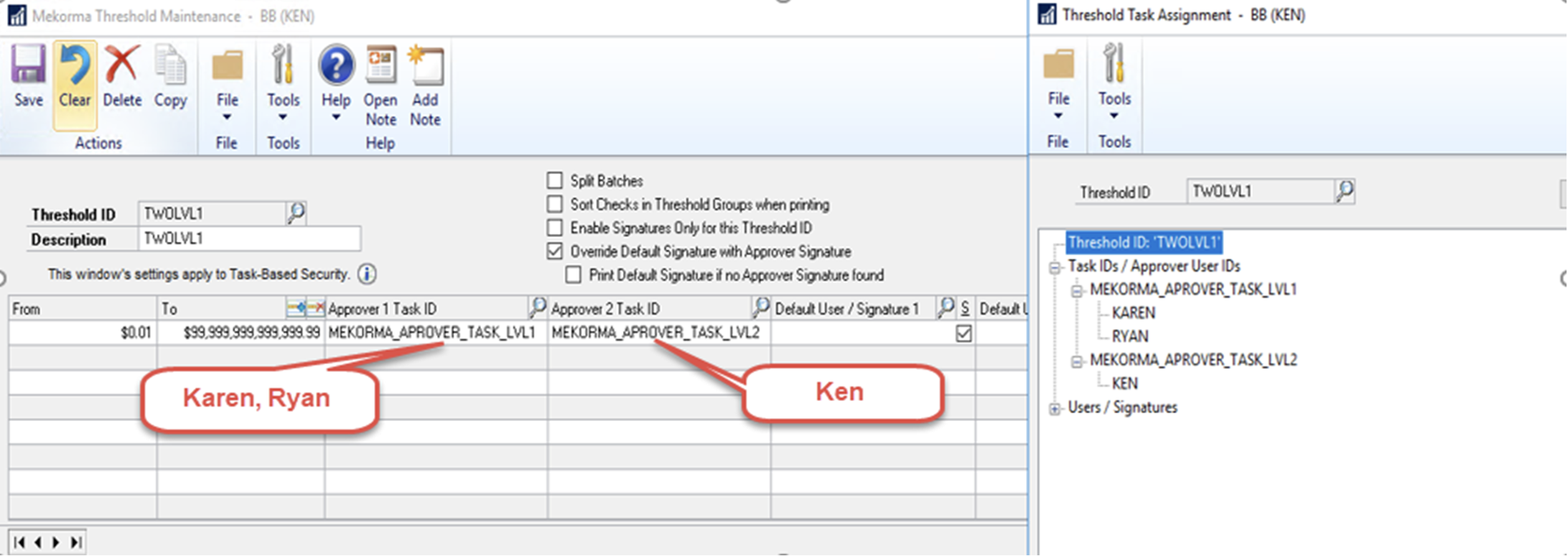
Here’s an example: Karen and Ryan are both level 1 approvers and Ken is a level 2 approver for any transaction dollar amount.
In our current policy, any two of the three designated approvers can complete the approval and it does not matter who approves first. In other words, Karen and Ryan can complete the approval without needing Ken.
As of Build x86, we’ve added the following restrictions:
-
Only one approver in each task level group is allowed to approve – EITHER Karen or Ryan, but not both.
-
The approver from task level 1 group must approve first, then Ken can approve afterwards.
This change creates a clear and straightforward approval sequence.
Add Mekorma security to the Dynamics GP financial module
In Build x86, users can now add Mekorma security rules to the financial module.
By assigning a Threshold ID to a checkbook, you can enforce an approval and signature policy that will apply when printing miscellaneous checks. The number of approvers and signatures are based on the payment dollar amount range, but instead of going through an approval workflow (as in the Payables module), approvers will be prompted to enter their GP user ID and password at the time of printing.
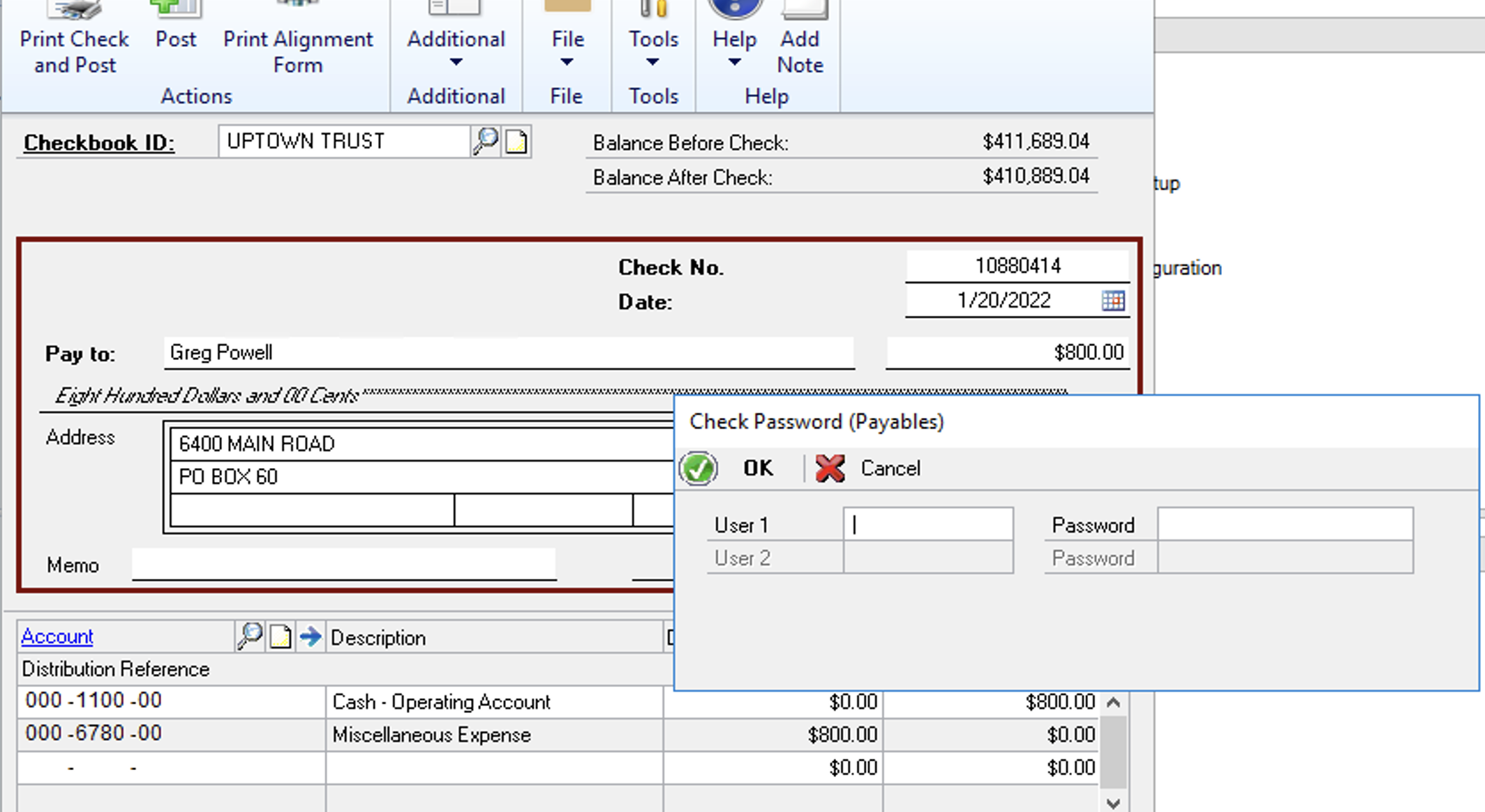
After a miscellaneous check has been printed and posted, the approver information will be added to GP Inquiry, where it can be reviewed through the Mekorma Audit Log, or the Checkbook register drill down to payment inquiry.
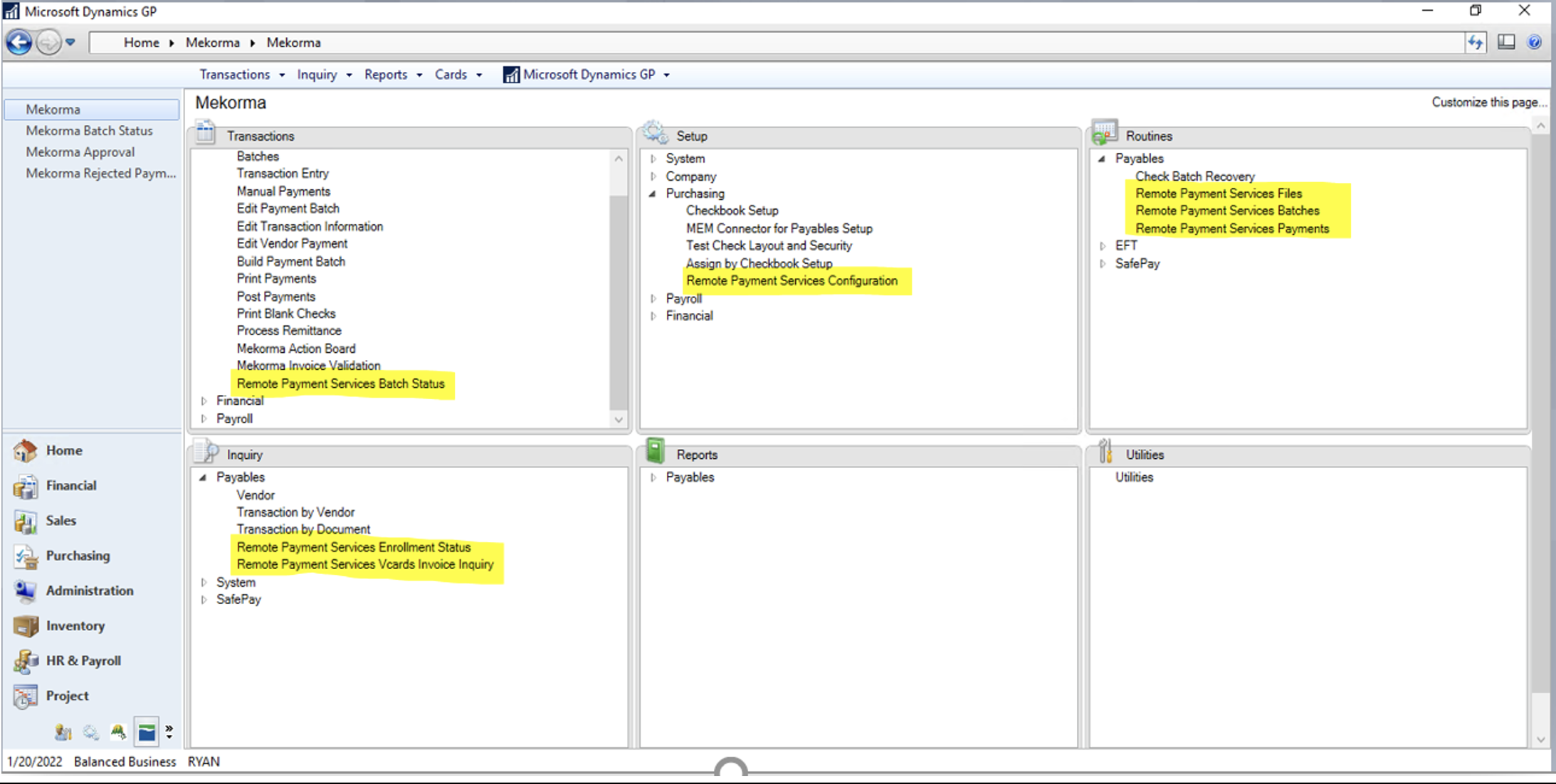
Window Name Change: Remote Payment Services
Last year our payment outsourcing service was renamed from Enhanced ePayments to Remote Payment Services, and now that is reflected in the product itself. For those Mekorma customers who work with our outsource providers, please make note of the name change: