What changes when you move from Microsoft Dynamics GP to Business Central?


So, you’ve decided to move from Microsoft Dynamics GP to Business Central. Now you’re starting to think about what that transition will actually mean for your team and the processes you rely on every day.
You've likely been on GP for a long time, or at least you’ve gotten used to how processes work there.
At this point, your AP team probably has processes that feel instinctive in GP. You know how payment runs happen, how checks are set up and printed, who approves what, and what to do when something doesn’t go according to plan. Some of that knowledge is carefully documented, while some of it may have become second nature.
Moving to a new ERP means leaving some of that familiarity behind, which can make the transition feel daunting. But moving forward doesn’t mean starting over from scratch. Your team already knows what needs to happen, what controls matter, and what keeps payments moving.
Some of the steps may look different in Business Central, but you don’t have to recreate every familiar step to carry forward what matters.
How the Move to Business Central Affects Your Process
Some of the biggest changes are likely to be less about what your team needs to accomplish and more about how you accomplish it.
Knowing where to expect differences can make the transition easier and help your team feel more confident as familiar routines begin to change.
Same Outcome, Different Process
Think about a typical payment run. The desired outcome is the same, but in Business Central, the steps that get you there may be different. That’s okay, but it may take time to adjust.
The differences can show up throughout the payment process:
How your team builds and manages payments may change.
Security and approval rules may be organized differently.
Check layouts and printing requirements may need a different approach.
And if you work across multiple companies or bank accounts, the way your team coordinates that work may change as well.
The shift can be especially challenging if your GP environment has been shaped over many years. Your current process may involve Mekorma, another solution, a customization, or simply a particular way your team has learned to work.
All of that experience still matters. Your current GP environment gives you a valuable picture of what your team needs, but it does not have to define exactly how those needs are met in Business Central.
Focus on carrying forward what truly matters while learning to get comfortable with a different way of getting there.
Building and Managing Payments in Business Central
For many AP teams, the payment run is one of the first places Business Central will feel different.
In Dynamics GP: Your team may have a well-established routine for selecting invoices, building payment batches, and moving payments through the rest of the process. Depending on your setup, Mekorma Action Board may be part of that routine.
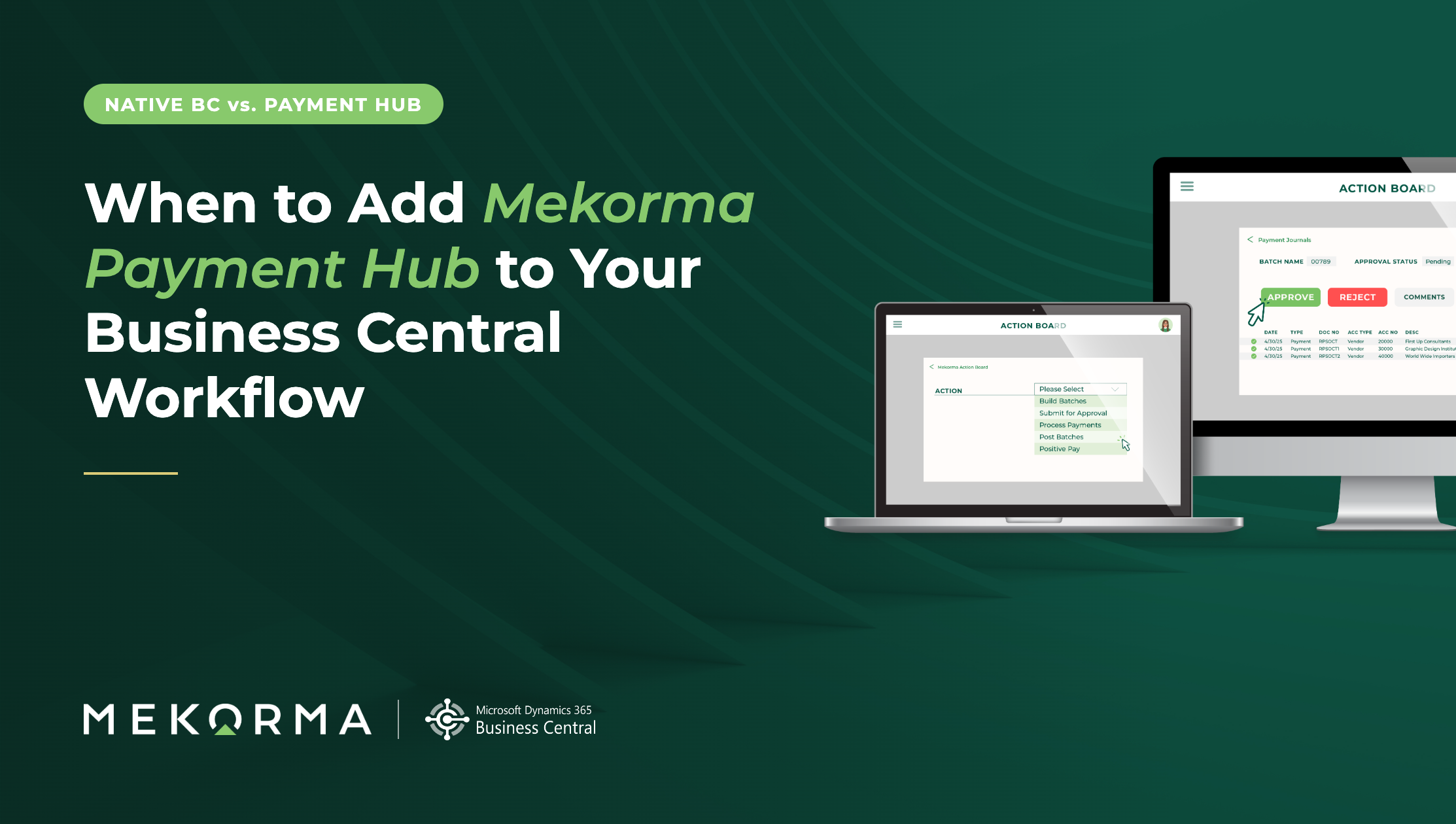
In Business Central: The steps for building and managing payments will reflect the Business Central environment. If you use Mekorma Action Board today, you can continue using it in Business Central, where it builds on the native Suggest Vendor Payments process. However, you should still expect some differences from the payment run you know in GP.
Recurring payment processes may look different, too. For those interested in scheduling routine payment processes, Mekorma Action Board Scheduler can use Business Central Job Queue Entries to automate recurring steps in the payment run. Depending on your current process, that could change some of the manual coordination your team is used to today.
Approvals May Follow a Different Path
Approval requirements do not disappear when you move to Business Central, but the workflow supporting them may change.
In Dynamics GP: If you use Mekorma Workflow, your team may have established approval levels, dollar thresholds, approver groups, and exceptions that determine when and how a payment gets approved.
In Business Central: Plan for payment approvals to be redesigned within the Business Central workflow framework rather than expecting your existing Mekorma Workflow to transfer directly. The rules that matter, such as requiring additional approval over $50,000, can still guide how the new process is set up.
For your AP team and approvers, that may mean a different route for reviewing and approving payments. The important part is preserving the oversight your organization needs, even when the approval process looks different.
Security Will Be Set Up Differently
Security is another area where long-time GP users should expect some differences.
In Dynamics GP: Mekorma security may determine which checkbooks you can access, which signatures you can use, what you can approve, and which payment tasks you can perform. Those settings may also be different for each GP company.
In Business Central: Your GP security setup will not simply carry over. For example, Jane may have access to prepare and process payments for specific companies through Mekorma, based on her Business Central permission sets and standard AP permissions. Approval authority is handled separately through Business Central approval workflows, so Jane can prepare those payments without automatically gaining approval authority she should not have.
Your Business Central Checks Probably Will Not Look Exactly Like Your GP Checks
Check printing is one of the most visible differences your AP team may encounter.
In Dynamics GP: You may have Mekorma check layouts that have been customized over the years with specific signatures, MICR placement, logos, remittance information, custom fields, or bank requirements.
In Business Central: Existing Mekorma check layouts may need to be rebuilt or replaced. You will typically start with the closest supported Business Central layout and determine what needs to be modified based on your requirements.
That means your Business Central check may not be an exact visual copy of your GP check, and that can be perfectly acceptable. While a bank-required MICR placement or an internal signature threshold absolutely needs to work correctly; your team may need to be flexible about other aspects, such as a field appearing in the same place simply because your team is accustomed to seeing it there.
If your team prints checks, plan to spend some extra time on this part of the transition. Check layouts, signatures, remittances, MICR requirements, and printing all need to be reviewed and tested before you start producing checks in Business Central.
Managing Multiple Companies May Look Different
If your AP team manages payments across several companies, you are probably used to moving between them and keeping track of the requirements that come with each one.
In Dynamics GP: Each company may have its own checkbooks, bank accounts, payment methods, security rules, check layouts, and signature requirements. Some teams manage that work company by company, while others use Mekorma Shared Services to help coordinate payments across multiple companies.
In Business Central: Those company-specific requirements still matter, but how your team manages them may change. If you use Mekorma Shared Services in GP today, you can continue supporting centralized, multi-company payments in Business Central, with Action Board providing one place to build and process payment batches across authorized companies. The concept carries forward, but the setup and day-to-day experience will look different in Business Central.
Whether you manage two companies or twenty, expect some adjustment in how you move between and coordinate that work in Business Central. The requirements of each company still come with you, even if the day-to-day process looks different.
Not Every GP Tool Needs a Direct Replacement
Moving from Dynamics GP to Business Central is an opportunity to look at your AP process as a whole, not simply recreate your existing technology stack.
In Dynamics GP: Your AP process may rely on Mekorma capabilities, other third-party solutions, customizations, or a combination of tools that have accumulated over time.
In Business Central: The same AP needs may be supported differently. Business Central provides native functionality for parts of the process, while Mekorma and other solutions can extend those capabilities to support the workflows, controls, and efficiencies your team relies on.
For existing Mekorma customers, this means your AP strategy can move forward with you, even when the technology behind it changes. Some Mekorma capabilities continue in Business Central, some processes are configured differently, and some needs may be addressed through other partner solutions.
Rather than looking for a one-to-one replacement for every GP tool, start with the AP processes your team needs to preserve, improve, or rethink. From there, you and your Microsoft Partner can determine the right approach for your Business Central environment.
Your AP Process Can Move Forward with You
Moving from Dynamics GP to Business Central will take time, and it will introduce some unfamiliar steps, especially for a team that has spent years getting comfortable with GP. The good news is, you're also bringing years of AP knowledge, including the controls, requirements, and processes that keep payments moving.
Don't assume you need to recreate the GP experience exactly in Business Central. You may find processes you were doing as second nature in GP don’t make sense in the new ERP.
Instead, appraoch moving ERPs as an opportunity to refresh your processes, carry forward what works, adjust what needs to change, and get comfortable with a payment process that fits your new environment.
Want to see what that can look like? Watch the Mekorma Payment Hub for Microsoft Dynamics 365 Business Central demo series, or connect with our team to talk through what your payment process could look like after the move.