How Mekorma Works with Business Central Native Tools to Strengthen Your AP Process


Microsoft Dynamics 365 Business Central includes powerful native accounts payable (AP) capabilities that help finance teams manage vendor payments efficiently. Features like Suggest Vendor Payments, Payment Journal, Job Queue Entries, and Payables Agent provide a solid foundation for managing day-to-day payment processes.
For many organizations, these built-in tools are enough to get started.
As companies grow, however, payment processes often become more complex. Multiple companies, multiple bank accounts, tighter controls, recurring payment schedules, and higher transaction volumes can introduce manual work that slows AP teams down.
That's where Mekorma comes in.
Business Central Native Tools + Mekorma Extensions
Rather than replacing Business Central, Mekorma extends its native capabilities. We build on the tools your team already uses to help automate payment workflows, improve visibility, and reduce manual coordination, all while keeping Business Central as your system of record.
| Business Central native capability | How Mekorma extends it |
|---|---|
| Suggest Vendor Payments | Action Board organizes and builds payment batches around your workflow. |
| Payment Journal | Remote Payment Services extends payment processing while keeping Business Central at the center. |
| Job Queue Entries | Action Board Scheduler automates recurring payment runs. |
| Vendor Records | Vendor Validation verifies vendor information before payments are processed. |
| Multiple Companies | Cross-company processing and Binary Stream Multi-Entity Management integration simplify payments across companies. |
The sections below explain how each native Business Central capability works and how Mekorma builds on it to simplify payment processing.
Not sure whether your AP process has outgrown Business Central's native functionality? Read our guide on how to recognize when AP automation makes sense.
Business Central's Suggest Vendor Payments + Action Board
One of Business Central's most valuable native AP tools is Suggest Vendor Payments.
It helps AP teams create payment proposals based on vendor balances, due dates, discounts, and payment priorities. As payment processes become more complex, however, building payment batches often requires additional coordination.
Different payment methods, multiple checkbooks, approval requirements, and recurring payment schedules can introduce manual work that sits outside the native functionality.
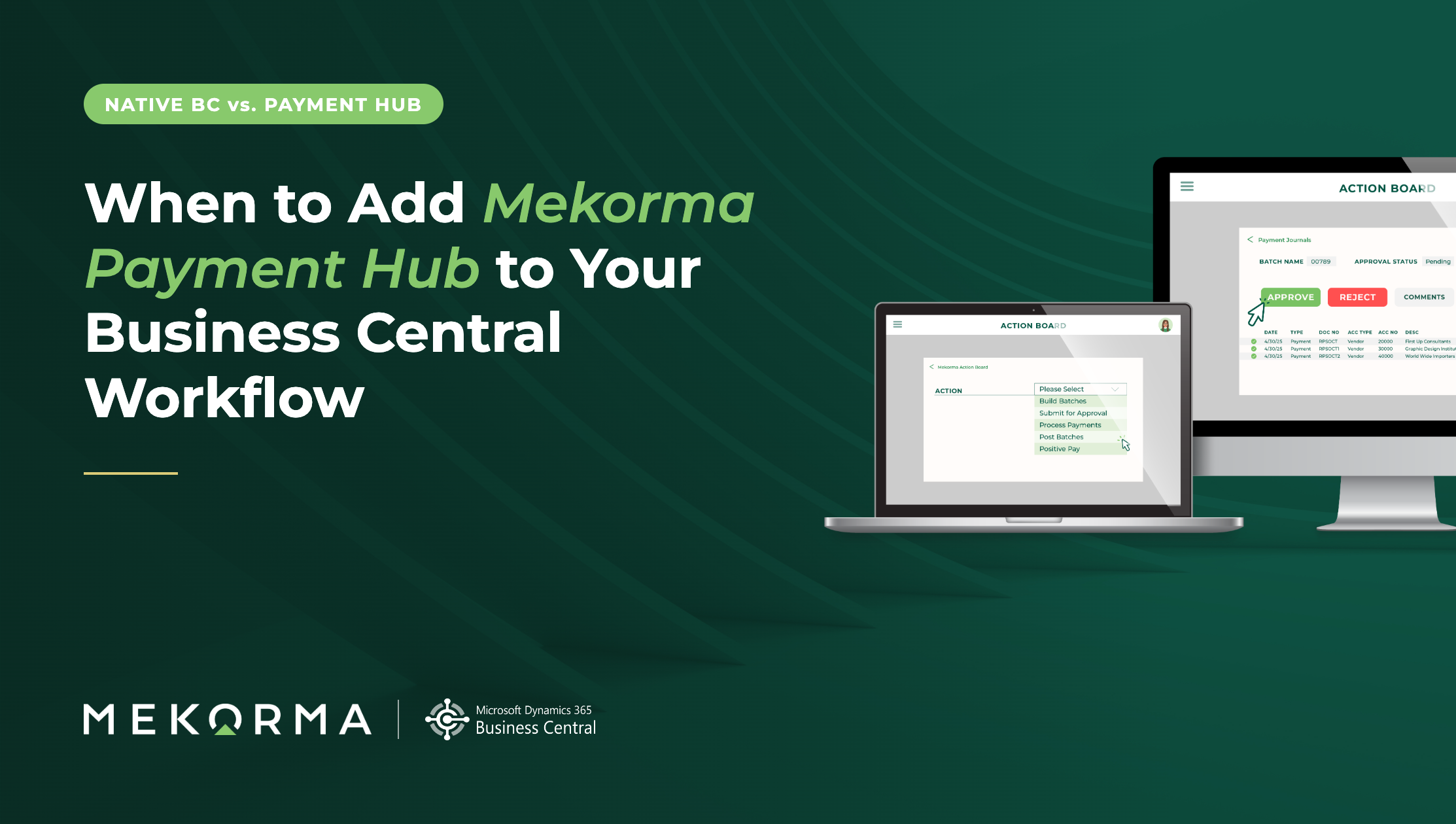
Mekorma Action Board builds on Suggest Vendor Payments rather than replacing it.
Instead of manually organizing payment batches, Action Board creates payment batches according to your payment rules and workflow, helping your AP team process payments consistently while continuing to work inside Business Central.
Quick Takeaway: Suggest Vendor Payments identifies what needs to be paid; Action Board helps organize those payments into a repeatable workflow.
Business Central Payment Journal + Remote Payment Services
The Payment Journal is where AP teams process vendor payments inside Business Central.
For many organizations, this works well until payment volumes increase or payment methods diversify.
Remote Payment Services extends the Payment Journal by connecting payment processing to trusted payment providers while maintaining Business Central as the system of record.
Your AP team continues working in familiar Business Central screens while expanding the ways vendors can be paid.
Quick Takeaway: Remote Payment Services expands your payment options while keeping Payment Journal at the center of the process.
Business Central Job Queue Entries + Action Board Scheduler
Business Central already includes Job Queue Entries for scheduling recurring processes.
Mekorma leverages that native scheduling capability to automate recurring payment workflows through Action Board Scheduler.
Instead of relying on someone to remember to build payment batches each morning, you can schedule recurring payment processing to happen automatically.
This means your team can spend less time coordinating routine work and more time reviewing exceptions.
Why it Matters: Action Board Scheduler builds on Business Central's native scheduling tools to make recurring payment processing more predictable and less manual.
Business Central Vendor Records + Vendor Validation
Managing vendor information accurately is an important part of any AP process. Business Central provides the vendor records that support payment processing.
Vendor Validation extends those records by helping verify vendor information before payments are released.
This adds another layer of control to your payment process while allowing Business Central to remain your central source of vendor data.
In Practice: Vendor Validation adds another layer of confidence by helping verify vendor information before payments are released.
Managing Multiple Companies in Business Central
Organizations managing multiple Business Central companies often face additional complexity. Payment processing may involve multiple bank accounts, multiple legal entities, or centralized AP teams supporting several companies.
Mekorma extends these native workflows through:
Cross-company payment processing
Binary Stream Multi-Entity Management integration
Shared payment workflows
Coordinated payment scheduling
Instead of switching between companies throughout the day, AP teams can work through a more unified payment process.
Why It Matters: As your organization grows, Mekorma helps simplify payment processing across companies without adding unnecessary complexity.
A Practical Example: From Native Workflow to Automated Workflow
Consider a common AP scenario: paying a new vendor.
Using native Business Central functionality, the process typically looks like this:
Receive a purchase invoice.
Add the vendor.
Create a payment batch.
Process and post the payment.
With Mekorma extending those native tools, the workflow becomes more coordinated:
Receive a purchase invoice.
Add the vendor.
Vendor Validation automatically checks vendor TIN, address and OFAC status.
Action Board automatically includes approved invoices during the next scheduled payment run.
Remote Payment Services transactions are included in the payment workflow alongside any checks.
Payment batches are processed automatically according to your schedule. While everything runs in the background, your AP team has more time for the work that requires their attention.
Rather than changing the process entirely, Mekorma reduces the manual coordination between each step.
Growing with Business Central
Business Central already provides a strong foundation for Accounts Payable.
Mekorma helps organizations build on that foundation by extending native functionality where growing AP teams need additional automation, coordination, and control.
As your business grows, your payment process can grow with it, all while your team continues working in the familiar Business Central environment.
Every AP team reaches a point where managing payments requires more coordination than native tools alone can provide. By extending (not replacing) Business Central, Mekorma helps you simplify complex payment processes while preserving the familiar workflows your team already trusts.
Want to see how these capabilities could fit your AP process? Explore Mekorma's Business Central solutions to learn how you can extend the native tools you already use.